

Cart
0
Product
Products
(empty)
No products
To be determined
Shipping
$0.00
Total
Product successfully added to your shopping cart
Quantity
Total
There are 0 items in your cart.
There is 1 item in your cart.
Total products
Total shipping
To be determined
Total
How to Create an Account (Sign Up)
STEP 1
CLICK Sign in: HTTPS://SMTPZO.COM/LOGIN
STEP 2:
Enter a valid email address. ( Your order will be delivered to this email. Please ensure the email is correct. )
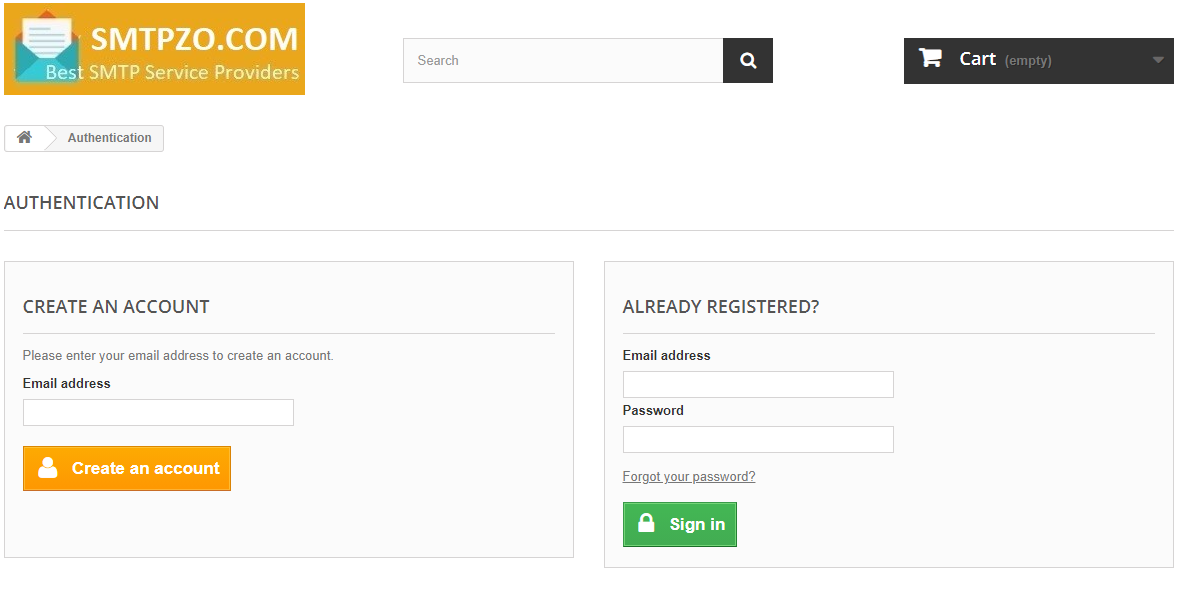
STEP 3:
Fill out the registration form with the following information:
- Title: Mr. or Mrs.
- First Name
- Last Name
- Password
- Date of Birth
STEP 4:
Click Add My First Address and complete the address form: HTTPS://SMTPZO.COM/ADDRESS
You may use a fictional address if you prefer not to share your real information.
Example:
Example:
- Address: 5332 Balistreri Lodge
- City: Buffalo
- State: New York (NY)
- Zip Code: 14202
- Home Phone: (348) 765-0753
- Mobile Phone: (348) 765-0753
How to Place an Order
- Add the desired products to your cart.
- Click Proceed to Checkout or Checkout.
- Complete the payment using BTC, ETH, USDT, LTC.